Commerce Kit is no longer maintainedCommerce Kit packages no longer receive updates or fixes. For new payment
integrations, use Solana Pay.
@solana-commerce/connector package provides headless wallet connection
built on the
Wallet Standard. It
manages wallet discovery, connection state, account management, and automatic
reconnection. The package is designed to be framework-agnostic with React
bindings included. It is built for Solana Commerce Kit and is
compatible with @solana/kit.
Installation
Provider Configuration
ConnectorProvider
The ConnectorProvider component wraps your application and provides wallet
connection state to all child components. It manages a singleton
ConnectorClient instance that persists across component mount/unmount cycles.
Props
All configuration is passed via theconfig prop:
config(ConnectorConfig, optional) - Configuration object for the connector. All fields are optional.
ConnectorConfig
Configuration object for wallet connection behavior.
Optional Fields
-
autoConnect(boolean) - Whentrue, automatically reconnects to the last used wallet on mount. The wallet preference is stored in the configured storage (defaults tolocalStorage). Default:false. -
debug(boolean) - Enables verbose console logging for debugging connection flows, account changes, and errors. Logs include prefixes like[Connector]and[ConnectorProvider]. Default:false. -
accountPollingIntervalMs(number) - Polling interval in milliseconds for checking account changes when the wallet doesn’t support thestandard:eventsfeature. Most modern wallets support events, so polling is a fallback. Default:1500(1.5 seconds). -
storage(Storage) - Custom storage adapter for persisting wallet preferences. Must implement:getItem(key: string): string | nullsetItem(key: string, value: string): voidremoveItem(key: string): void
window.localStoragewhen available (browser only). Use this for React Native (AsyncStorage) or custom SSR-safe storage.
Provider Architecture
The provider uses a singleton pattern with reference counting:- Multiple
ConnectorProviderinstances share the sameConnectorClient - The client is created on first mount and persists across unmounts
- When all providers unmount, cleanup is delayed by 5 seconds to handle rapid remounts
- During cleanup, the wallet is disconnected and all event listeners are removed
Hooks
useConnector()
The primary hook for accessing wallet connection state and actions. Must be used
within a ConnectorProvider.
Returns a ConnectorSnapshot object containing:
State Properties
-
wallets(WalletInfo[]) - Array of all discovered Wallet Standard compatible wallets. Updated automatically when wallets are installed or uninstalled. Each wallet includes metadata like name, icon, and capabilities. See WalletInfo. -
selectedWallet(Wallet | null) - The currently connected Wallet Standard wallet object.nullwhen disconnected. This is the raw wallet instance from the Wallet Standard API. -
connected(boolean) - Connection status.truewhen a wallet is connected and accounts are available. Use this for conditional UI rendering. -
connecting(boolean) - Loading state during wallet connection.truebetween callingselect()and receiving the connection result. Use this to show loading indicators or disable buttons. -
accounts(AccountInfo[]) - Array of accounts from the connected wallet. Most wallets provide one account, but some support multiple. Updated automatically via wallet events or polling. See AccountInfo. -
selectedAccount(string | null) - The address of the currently selected account (base58-encoded public key). When a wallet connects with a new account, that account is automatically selected. Otherwise, the previously selected account is preserved.
Action Methods
-
select((walletName: string) => Promise<void>) - Connects to a wallet by name (e.g.,"Phantom","Solflare"). The wallet name must match a discovered wallet’snamefield exactly. Process:- Sets
connecting: true - Calls the wallet’s
standard:connectfeature - Retrieves accounts from the wallet
- Subscribes to wallet events (or starts polling if events are unavailable)
- Stores the wallet preference in configured storage
- Updates state with accounts and selected account
- Sets
-
disconnect(() => Promise<void>) - Disconnects the current wallet and cleans up all state. Process:- Unsubscribes from wallet events
- Stops account polling
- Calls wallet’s
standard:disconnectfeature if available - Clears selected wallet, accounts, and selected account
- Removes wallet preference from storage
-
selectAccount((address: string) => Promise<void>) - Switches the selected account to a different address from the connected wallet. If the address isn’t in the current accounts array, triggers a reconnect to fetch updated accounts. Throws: Error if no wallet connected or requested account not found after reconnection.
useConnectorClient()
Provides direct access to the underlying ConnectorClient instance for advanced
use cases.
Returns: ConnectorClient | null - The singleton client instance, or null
when used outside ConnectorProvider.
Use cases:
- Direct access to
getConnectorState()for imperative state reads - Manual subscription with
subscribe(listener)for custom state listeners - Calling
destroy()for forced cleanup (not recommended in normal usage)
Type Definitions
WalletInfo
Metadata about a discovered wallet.
connectable Requirements: A wallet is connectable when it supports:
standard:connectfeaturestandard:disconnectfeature- Solana chains (detected via
wallet.chainscontaining"solana")
wallets array but can’t be selected.
AccountInfo
Information about a wallet account.
raw field provides access to additional account properties:
address: string- Base58-encoded public keypublicKey: Uint8Array- Raw public key byteslabel?: string- Account label (if wallet provides it)icon?: string- Account-specific icon (data URL)chains: string[]- Supported chains for this accountfeatures: string[]- Supported features for this account
ConnectorSnapshot
The return type of useConnector(), combining state and actions.
Account Change Detection
The connector automatically detects when wallet accounts change (user adds/removes accounts, switches accounts in the wallet). Two strategies are used:Event-Based (Preferred)
When the wallet supportsstandard:events, the connector subscribes to change
events:
- Receives real-time notifications when accounts change
- More efficient (no polling)
- Aggregates accounts from both the event and
wallet.accountsto handle wallets that only include selected account in events
Polling Fallback
When events aren’t supported, the connector pollswallet.accounts:
- Checks every
accountPollingIntervalMs(default: 1500ms) - Compares account addresses to detect changes
- Only triggers re-render when accounts actually change
- When accounts change, preserve the selected account if it still exists
- If selected account was removed, select the first available account
- When connecting with a new account (not in previous accounts), prefer the new account
Storage & Auto-Connect
Storage Persistence
The connector stores one key in the configured storage:- Key:
arc-connector:lastWallet - Value: Wallet name (e.g.,
"Phantom")
- Sandboxed iframes where
localStoragethrows - SSR environments where
windowis undefined - React Native where
localStoragedoesn’t exist
Auto-Connect Behavior
WhenautoConnect: true:
- On mount, reads last wallet name from storage
- Waits 100ms (allows wallets to register)
- Calls
select(walletName)if wallet is discovered - If auto-connect fails, removes the invalid preference from storage
Usage Examples
Basic Wallet Button
Multi-Account Selector
Connection Monitoring
Supported Wallets
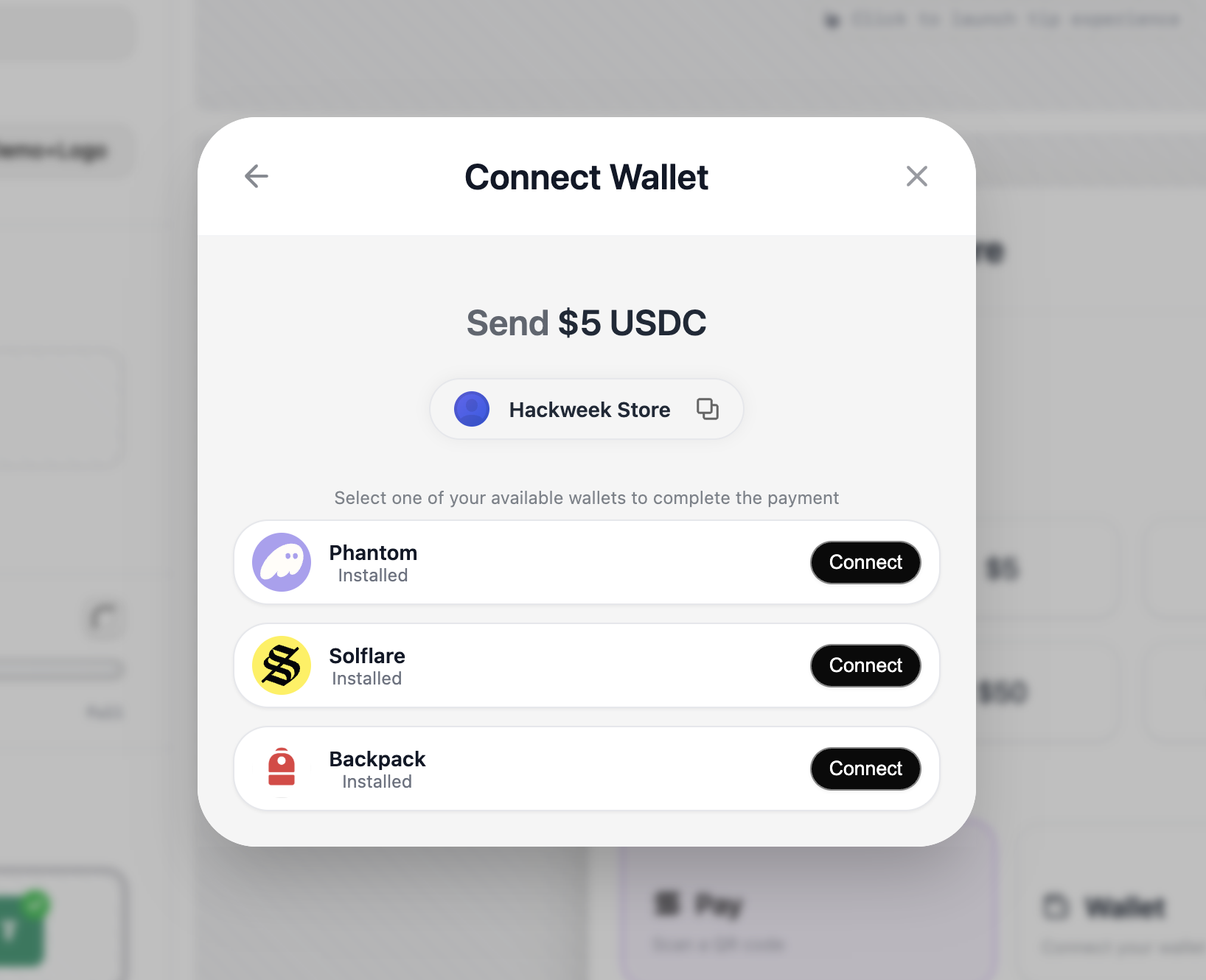
The connector supports all wallets that implement the Wallet Standard, including:- Phantom
- Solflare
- Backpack
- Glow
- Brave Wallet
- Coinbase Wallet
- Any other Wallet Standard compatible wallet
Headless Usage (No React)
For non-React applications or server-side usage, useConnectorClient directly:
ConnectorClient manages its own state and never triggers React
re-renders. You must manually subscribe to state changes.