قم بإعداد تكامل بسيط لمحفظة سولانا في Next.js (App Router) باستخدام
@solana/kit وإضافات Kit و@solana/react. ستقوم بإنشاء قائمة منسدلة لتوصيل
المحفظة ومكوّن لتحويل SOL.
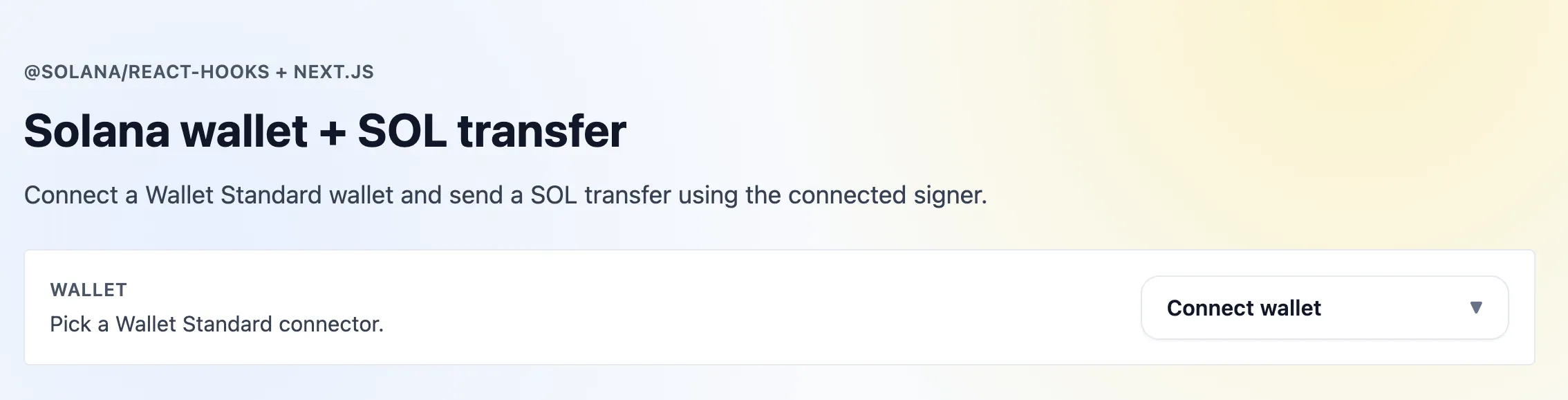 Next.js Kit App
الموارد
المتطلبات الأساسية
- Node 20+
- npm
إنشاء مشروع Next.js
$npx create-next-app@latest my-app$cd my-app
عند المطالبة، اقبل جميع الإعدادات الافتراضية (يتضمن القالب الأساسي Tailwind، الذي يستخدمه هذا البرنامج التعليمي لأنماط الأدوات البسيطة).
تعديلان على البنية الأساسية
يحتاج الناتج الافتراضي لـ create-next-app إلى تغييرين صغيرين لهذا البرنامج التعليمي:
- في
tsconfig.json، قم بتعيين"target": "ES2020"(أو أحدث). تستخدم مبالغ التحويل قيمًا حرفية من نوعbigintمثل1_000_000_000n، وهي تتطلب ES2020. - في
app/globals.css، احذف كتلة@media (prefers-color-scheme: dark)المُولَّدة وقاعدة خلفيةbody. واجهة المستخدم هذه للوضع الفاتح فقط؛ وإلا فإن الإعدادات الافتراضية للوضع الداكن ستتجاوز أداةbg-whiteوتجعل الصفحة غير قابلة للقراءة في الوضع الداكن.
تثبيت تبعيات سولانا
$npm install @solana/kit @solana/kit-plugin-rpc @solana/kit-plugin-wallet @solana/react @solana-program/system
يستهدف هذا البرنامج التعليمي Kit 7+ وحزم @solana/kit-plugin-* بإصدار 0.13+
(0.14+ لـ @solana/kit-plugin-wallet) و@solana/react 7+.
1. إنشاء مزوّد سولانا
يقوم app/providers.tsx ببناء عميل واحد في نطاق الوحدة وينشره عبر
ClientProvider. تجعل إضافة walletSigner المحفظة المتصلة هي دافع الرسوم
والهوية؛ قم بتصدير نوع العميل حتى تتمكن المكونات من كتابة نوع useClient.
2. تحديث التخطيط
قم بتغليف تطبيقك بمكوّن Providers. حدّث app/layout.tsx لاستيراده
واستخدامه:
يُغلّف هذا التطبيقَ بالكامل بسياق سولانا حتى تتمكن جميع المكونات الفرعية من الوصول إلى العميل وخطّافات المحفظة.
3. زر ربط المحفظة
قائمة منسدلة لربط/فصل محافظ Wallet Standard. يُعيد useWallets المحافظ
المكتشفة في المتصفح؛ يُعيد useConnect / useDisconnect نتيجة ActionResult
— يستخدم هذا المكوّن حقول dispatch وisRunning وerror الخاصة بها. يأخذ
كل خطّاف محفظة العميلَ كوسيطته الأولى، لذا استخرجه أولاً من useClient<AppClient>().
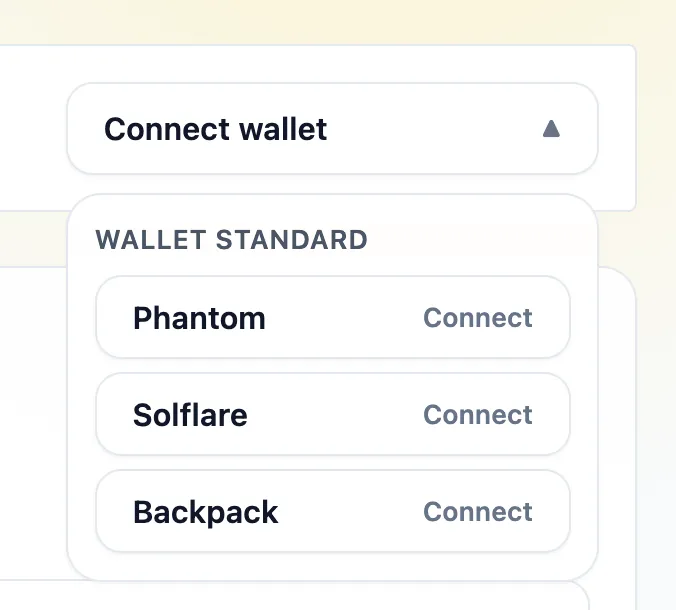 خيارات القائمة المنسدلة للمحفظة
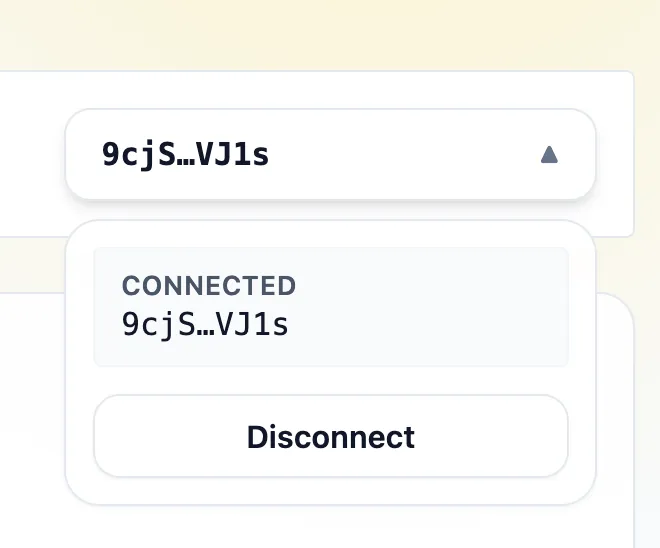 المحفظة متصلة في القائمة المنسدلة
4. تحويل SOL
ابنِ تعليمة تحويل باستخدام @solana-program/system وأرسلها عبر
client.sendTransaction. تقوم المحفظة المتصلة بالتوقيع والدفع.
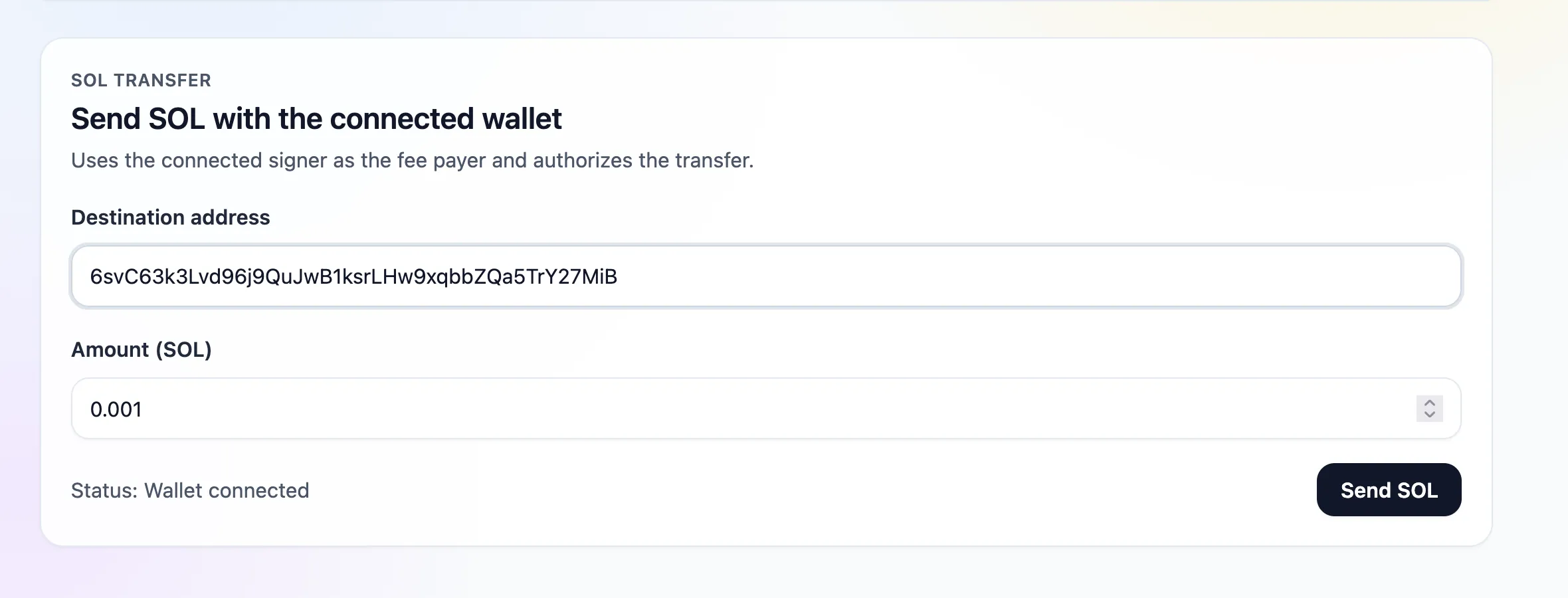 نموذج تحويل SOL مكتمل
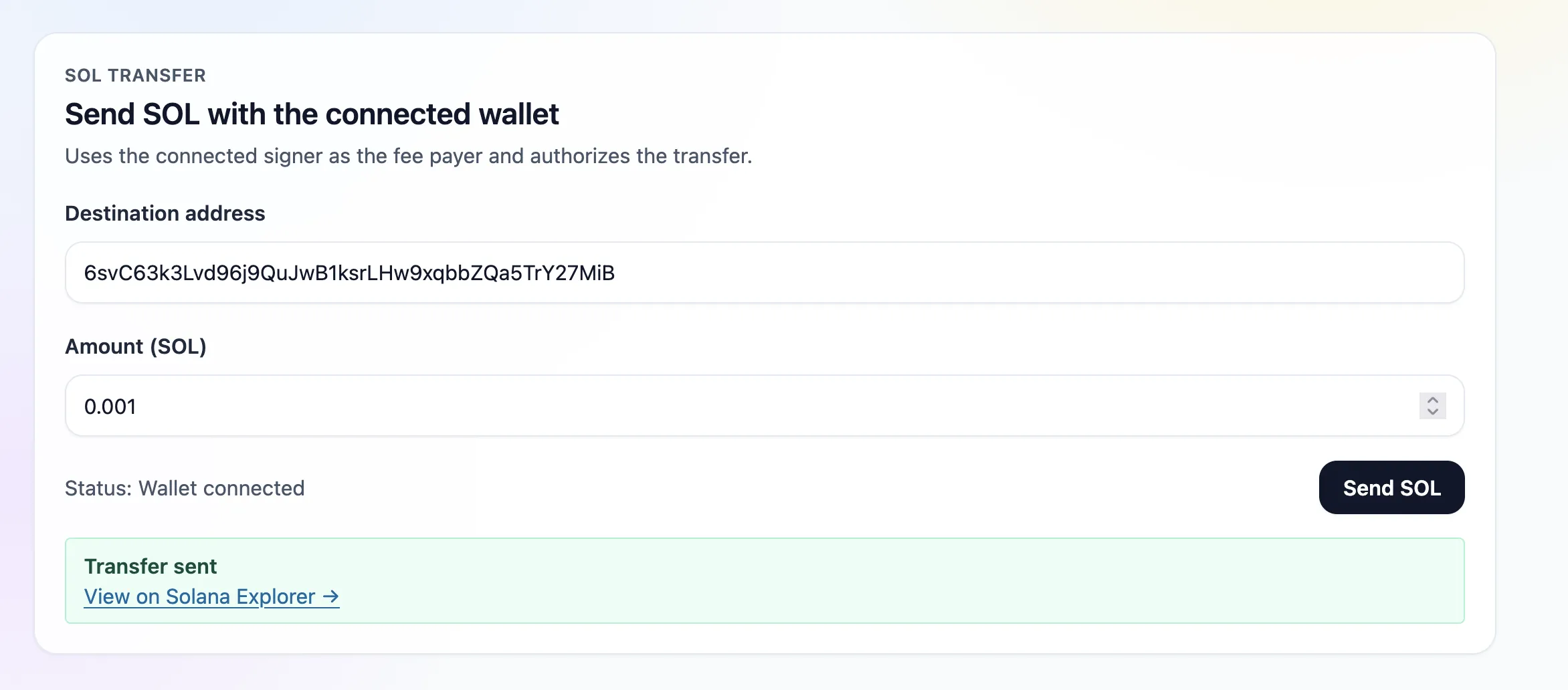 نجاح تحويل SOL
تأتي المحافظ من اكتشاف Wallet Standard؛ وبمجرد الاتصال، يستخدم تحويل SOL الموقّعَ المتصل كدافع للرسوم.
5. الصفحة
يُصيّر app/page.tsx مكوّني ربط المحفظة وتحويل SOL:
6. تشغيل التطبيق
$npm run dev
افتح http://localhost:3000، قم بربط محفظة Devnet، وأرسل تحويل SOL.
Is this page helpful?