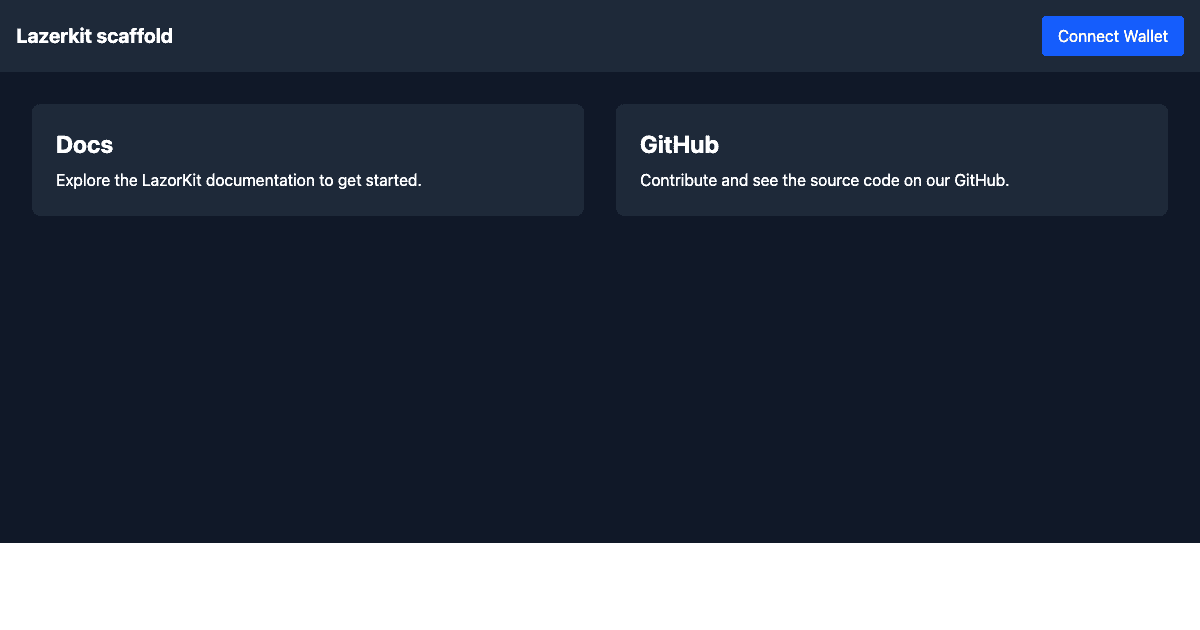
LazorKit Starter (Vite)
A React + Vite template demonstrating passkey-based smart wallet integration on Solana using LazorKit.
What is LazorKit?
LazorKit provides passkey-based authentication for Solana, enabling users to create non-custodial smart wallets secured by device biometrics (Face ID, Touch ID, Windows Hello) instead of seed phrases.
Features
- Passkey authentication (no seed phrases)
- Non-custodial smart wallet
- SOL transfer example
- Built with Vite, React 19, and Tailwind CSS
Quick Start
pnpm create solana-dapp@latest -t lazorkit-starter-vitecd <your-project>
pnpm installCopy the environment file and configure:
cp .env.example .envStart the development server:
pnpm devOpen the app and click "Connect Wallet" to create or access your passkey wallet.
Environment Variables
| Variable | Description |
|---|---|
VITE_LAZORKIT_RPC_URL |
Solana RPC endpoint (devnet or mainnet) |
VITE_LAZORKIT_PORTAL_URL |
LazorKit portal for passkey auth |
VITE_LAZORKIT_PAYMASTER_URL |
Paymaster for transaction fees |
Project Structure
src/
├── App.tsx                 # Main app with LazorKit provider
├── components/
│   └── WalletDemo.tsx      # Wallet connection and transfer demo
└── main.tsx                # Entry point
Key Integration Points
Provider Setup (App.tsx)
import { LazorkitProvider } from '@lazorkit/wallet'
;<LazorkitProvider
  rpcUrl={import.meta.env.VITE_LAZORKIT_RPC_URL}
  portalUrl={import.meta.env.VITE_LAZORKIT_PORTAL_URL}
  paymasterConfig={{
    paymasterUrl: import.meta.env.VITE_LAZORKIT_PAYMASTER_URL,
  }}
>
  <WalletDemo />
</LazorkitProvider>
Using the Wallet Hook (WalletDemo.tsx)
import { useWallet } from '@lazorkit/wallet'

const {
  smartWalletPubkey, // User's smart wallet address
  isConnected, // Connection status
  connect, // Connect/create wallet
  disconnect, // Disconnect wallet
  signAndSendTransaction, // Sign and send transactions
} = useWallet()
Resources
License
MIT