Next.js(App Router)で@solana/kit、kitプラグイン、および@solana/reactを使用して、最小限のSolanaウォレット統合をセットアップします。ウォレット接続ドロップダウンとSOL送金コンポーネントを作成します。
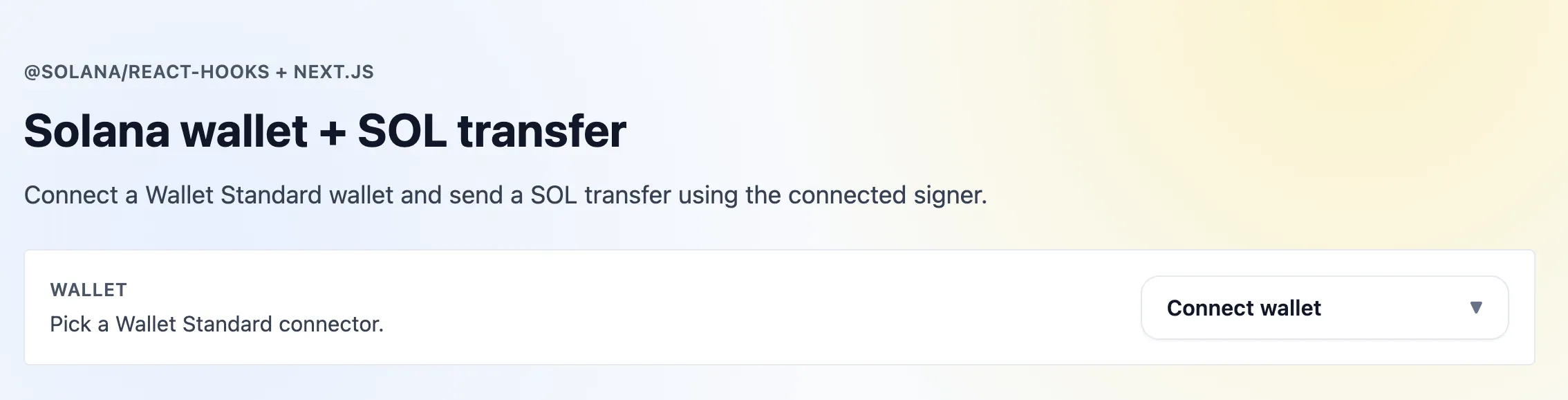 Next.js Kit App
リソース
前提条件
- Node 20+
- npm
Next.jsプロジェクトの作成
$npx create-next-app@latest my-app$cd my-app
プロンプトが表示されたら、すべてのデフォルト設定をそのまま受け入れてください(スターターにはTailwindが含まれており、このチュートリアルではシンプルなユーティリティスタイルに使用します)。
スキャフォールドの2つの調整
デフォルトのcreate-next-appの出力には、このチュートリアル用に2つの小さな変更が必要です:
tsconfig.jsonで"target": "ES2020"(またはそれ以降)を設定してください。送金額には1_000_000_000nなどのbigintリテラルを使用しており、ES2020が必要です。app/globals.cssで、生成された@media (prefers-color-scheme: dark)ブロックとbodyの背景ルールを削除してください。このUIはライトモード専用です。ダークモードのデフォルト設定がbg-whiteユーティリティを上書きし、ダークモードではページが読めなくなります。
Solana依存関係のインストール
$npm install @solana/kit @solana/kit-plugin-rpc @solana/kit-plugin-wallet @solana/react @solana-program/system
このチュートリアルはKit 7+、@solana/kit-plugin-*パッケージ(バージョン0.13+、@solana/kit-plugin-walletは0.14+)、および@solana/react 7+を対象としています。
1. Solana Providerの作成
app/providers.tsx はモジュールスコープで1つのクライアントを構築し、
ClientProvider で公開します。walletSigner プラグインは接続されたウォレットを手数料の支払者およびidentityとして設定します。コンポーネントが useClient を型付けできるよう、クライアント型をエクスポートしてください。
2. レイアウトの更新
Providers コンポーネントでアプリケーションをラップします。app/layout.tsx を更新してインポートし、使用します:
これにより、アプリ全体がSolanaコンテキストでラップされ、すべての子コンポーネントがクライアントとウォレットフックにアクセスできるようになります。
3. ウォレット接続ボタン
Wallet Standardウォレットの接続・切断を行うドロップダウンです。useWallets はブラウザで検出されたウォレットを返します。useConnect / useDisconnect は ActionResult を返します。このコンポーネントでは dispatch、isRunning、error フィールドを使用します。すべてのウォレットフックは最初の引数としてクライアントを受け取るため、まず useClient<AppClient>() から取得してください。
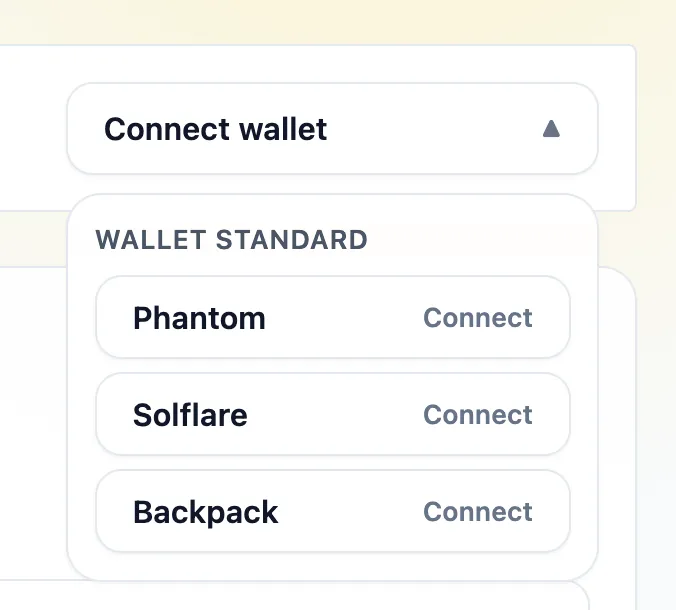 ウォレットドロップダウンのオプション
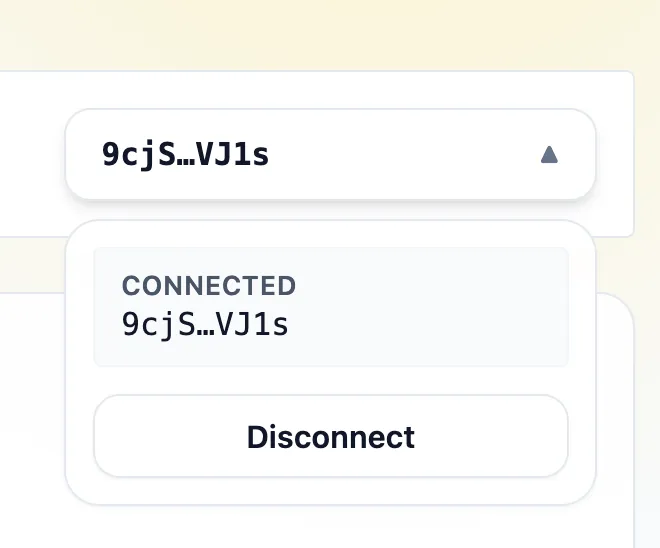 ウォレットドロップダウン(接続済み)
4. SOL送金
@solana-program/system でtransfer instructionを構築し、client.sendTransaction を通じて送信します。接続されたウォレットが署名と手数料の支払いを行います。
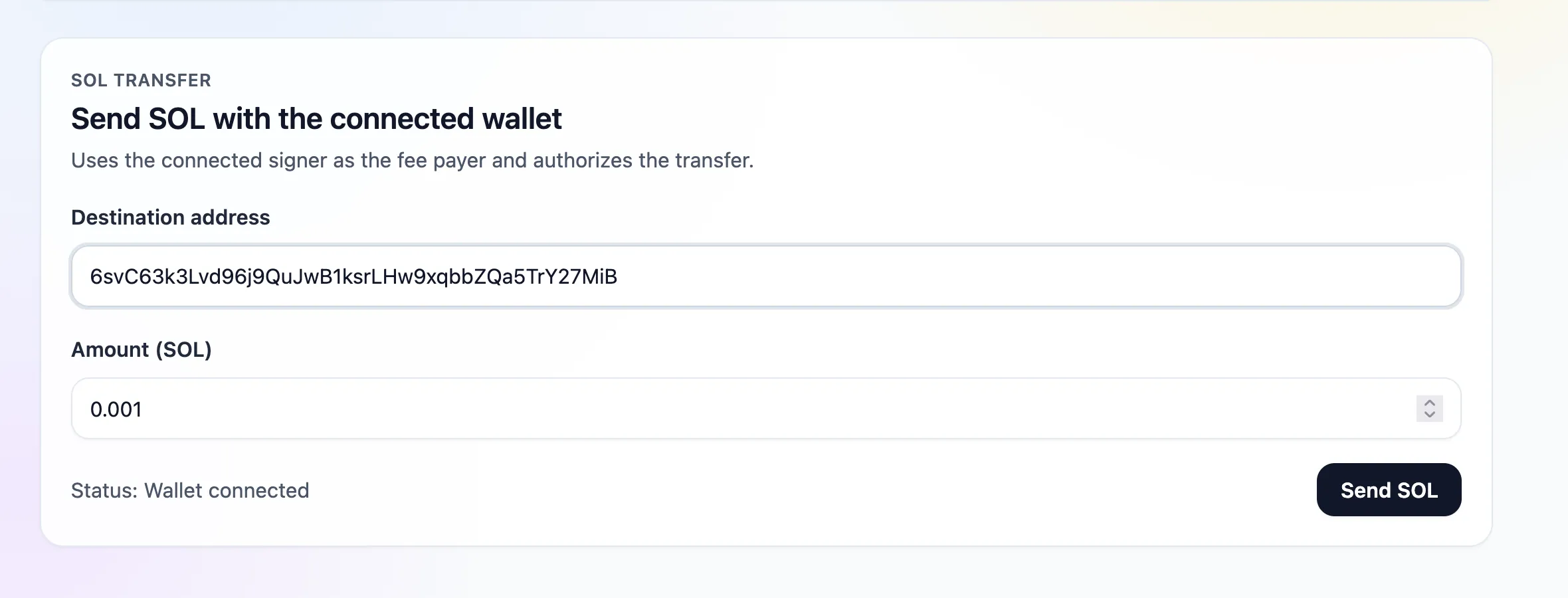 SOL送金フォーム(入力済み)
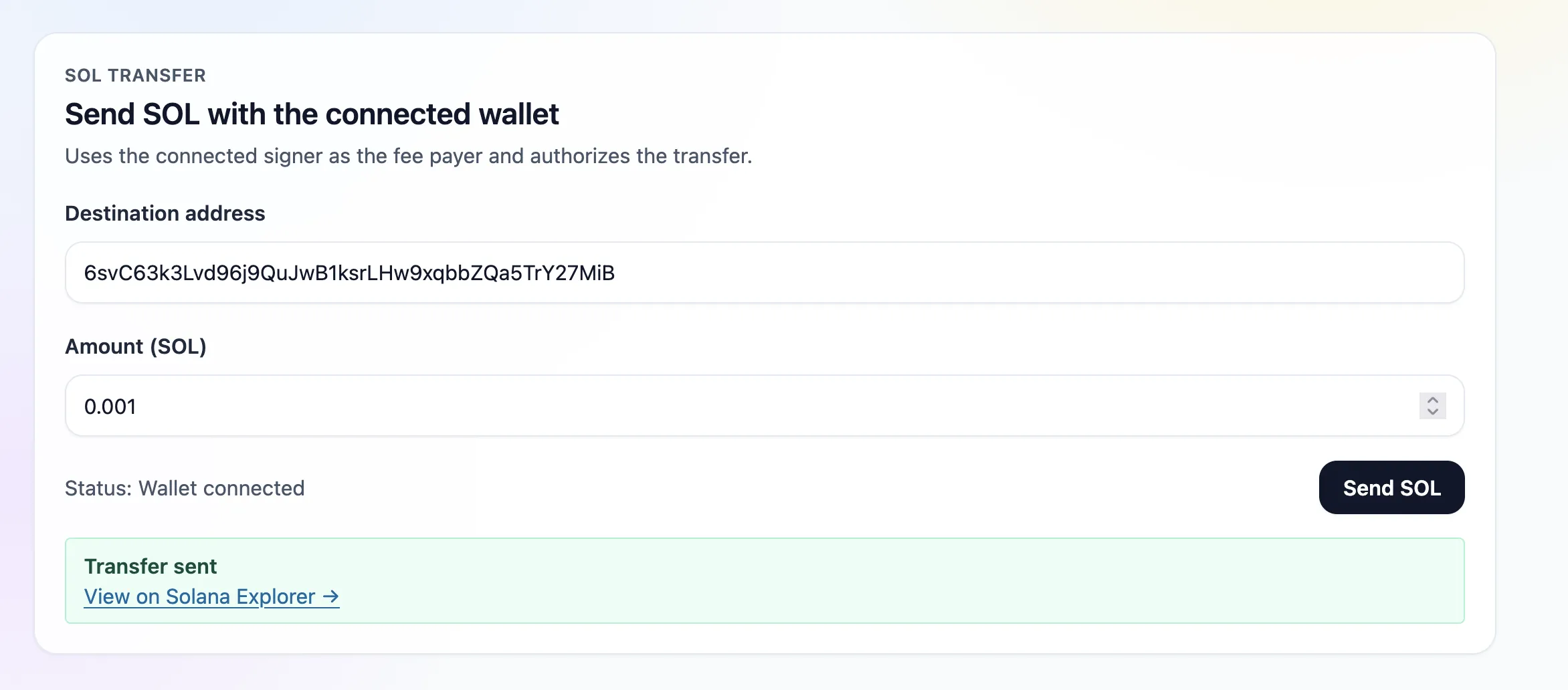 SOL送金成功
ウォレットはWallet Standard discoveryから取得されます。接続後、SOL送金では接続された署名者が手数料の支払者として使用されます。
5. ページ
app/page.tsx はウォレット接続とSOL送金コンポーネントをレンダリングします:
6. アプリケーションの起動
$npm run dev
http://localhost:3000 を開き、Devnetウォレットを接続してSOL送金を行います。
Is this page helpful?